Get access to the Web Platform
The Web Platform gives landlords and property managers a fast, secure way to work from a browser once CloudSync is enabled on the mobile app. To get access to the Web Platform, follow the steps below.
Getting Started is Simple
2
Create Your Account
Sign up and activate your account in seconds on your app.
3
Enable CloudSync
Get the CloudSync subscription to enable the service.
4
Activate Web Platform Account
Finally activate the web platform account from the mobile app.
What is CloudSync?
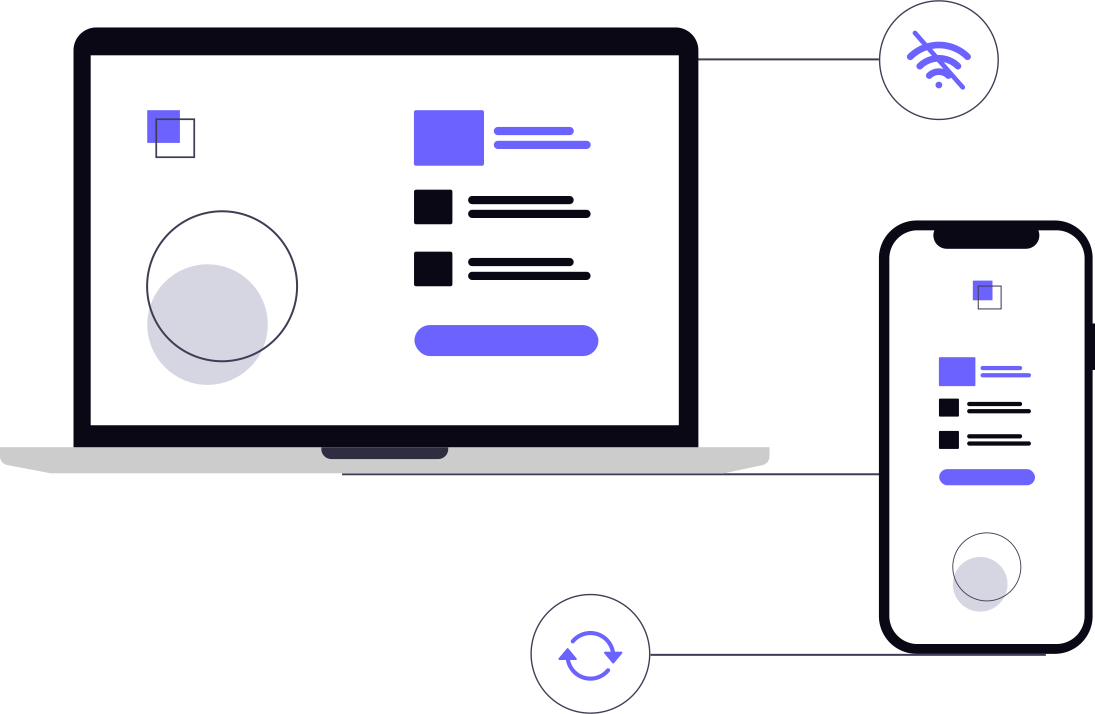
CloudSync is an additional service that synchronizes your data across all devices. If you use the app on other Android devices, such as a smartphone or tablet, any change made to your database (for example adding a tenant, creating a lease, or recording a payment) is automatically synchronized across all devices.
This allows you to work from any device with confidence and improved productivity.
CloudSync is required to use the Web Platform and enables seamless access to your data across multiple devices, without the need for manual backups or data transfers. It keeps your information secure and accessible whether you are managing your properties on the go or from your home or office.
CloudSync also handles backup and restore automatically, ensuring your data is securely stored in the cloud and can be easily recovered if needed.
Do I need Premium Upgrade too?
CloudSync works as a separate service, so the Premium Upgrade is not strictly required (though highly recommended) to enable the Web Platform. That said, we highly recommend Premium Upgrade because it unlocks the full feature set in the mobile app and gives you a smoother, more powerful workflow across devices.
Why enable the Web Platform?
You can manage tenants, leases, and payments on a larger screen, print documents faster, and keep your data in sync across your phone, tablet, and browser. It is built for busy landlords who like to work on a desktop environment, wanting speed and reliability without changing how they already work.
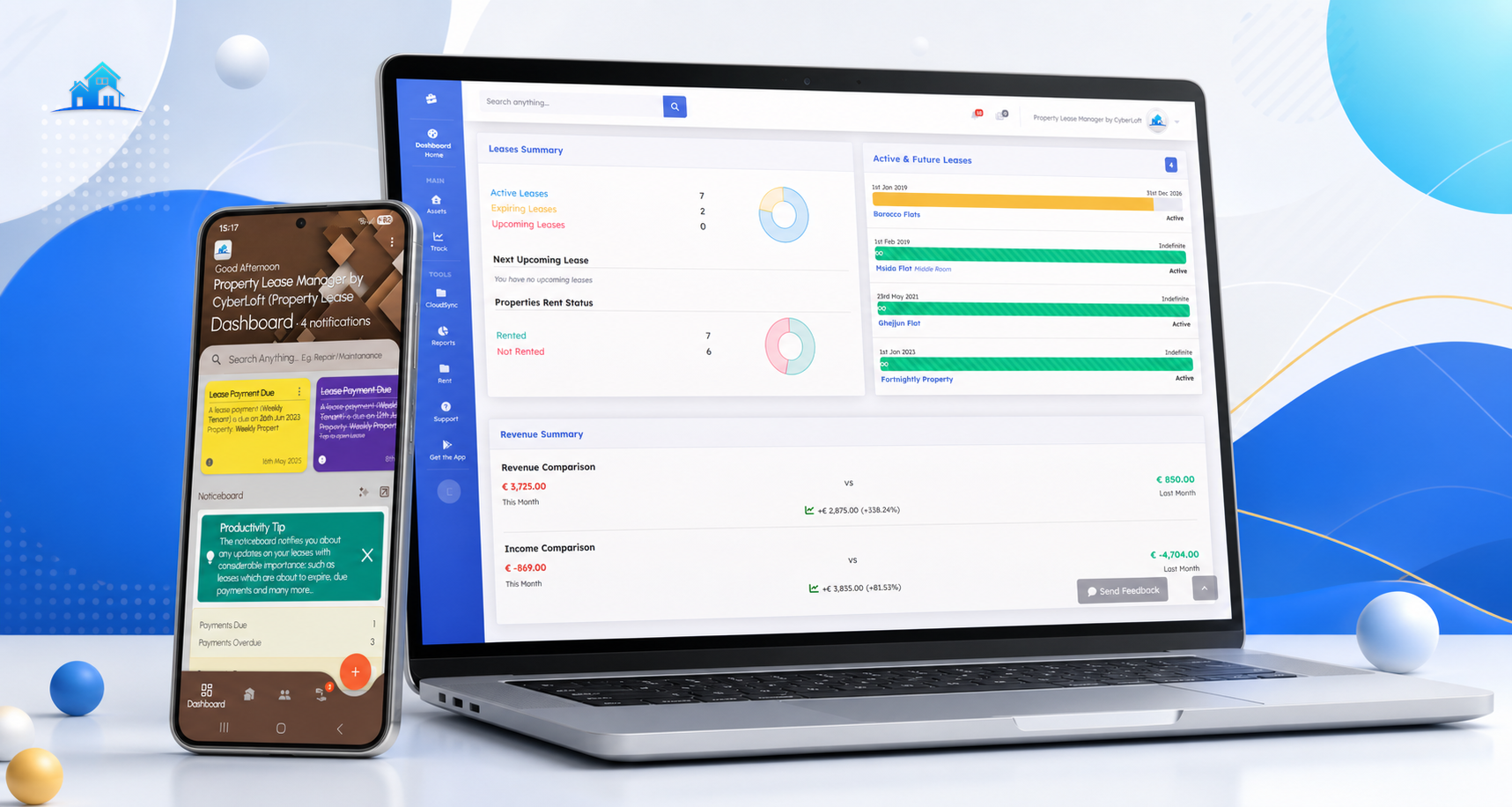
Ready to begin? Install the app, switch on CloudSync, and enable the Web Platform from within the app to start using it right away.